
Metric 01
250+
therapy sessions yearly
HEALING THROUGH HORSES
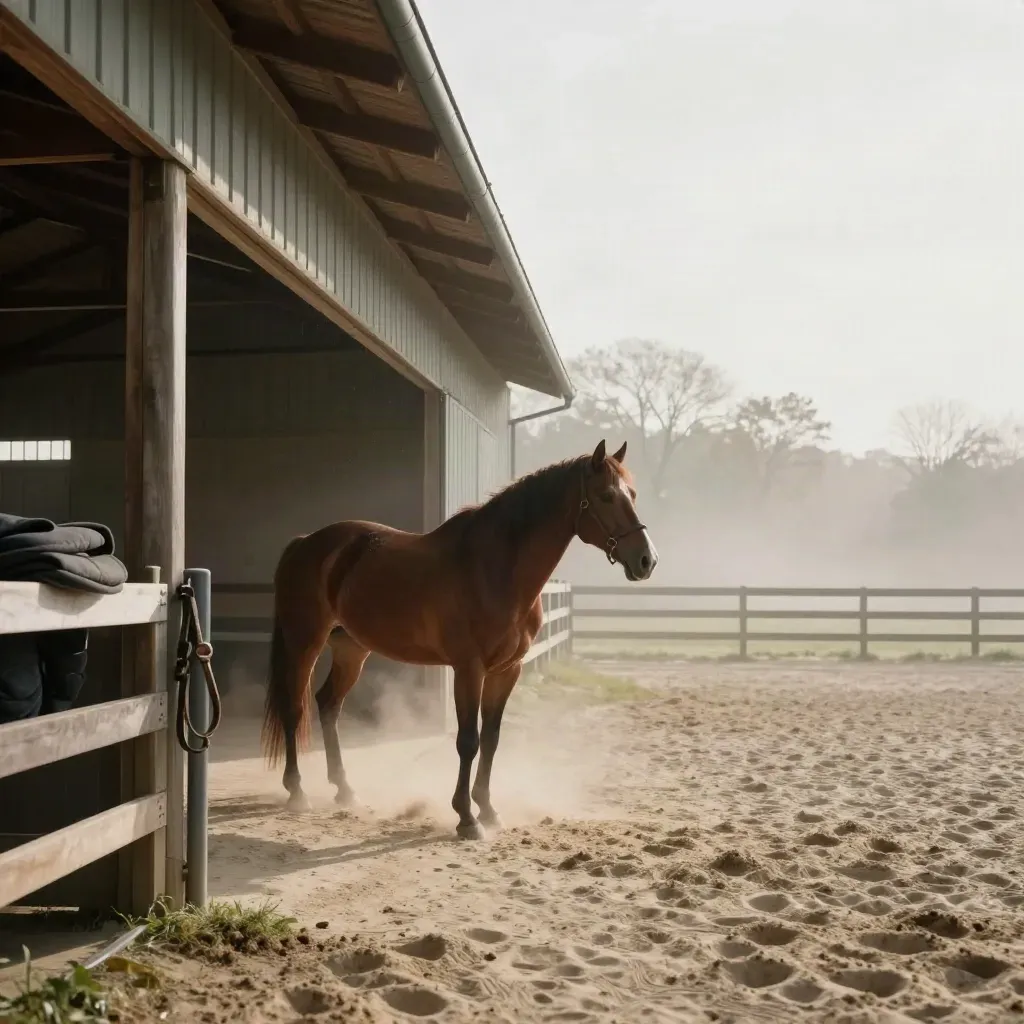
We offer therapy rides, rescue horse care, and family programs for children, veterans, and people with disabilities. Every plan starts with a clear goal and the right horse.
Metric 01
therapy sessions yearly
Metric 02
rescue horses helped
Metric 03
client rating
HOW IT WORKS
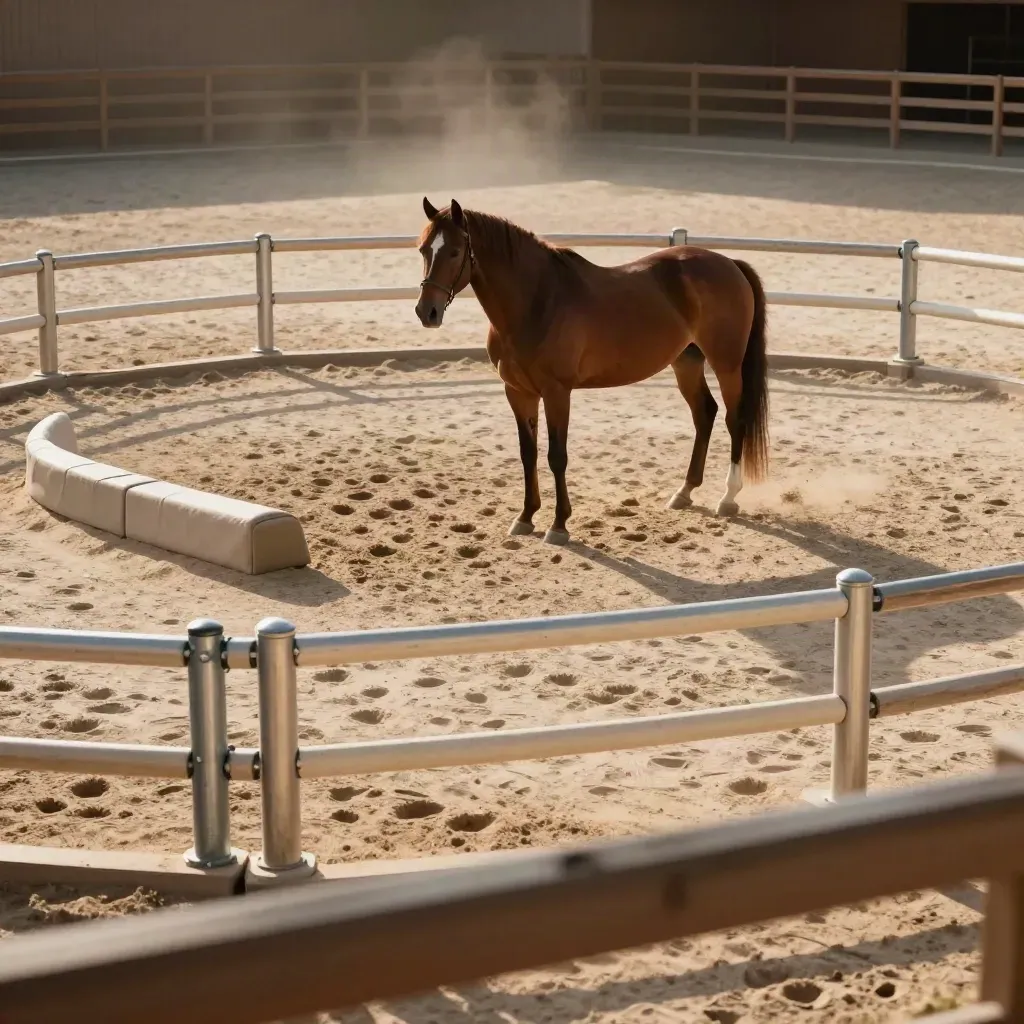
One-on-one sessions that use horse work to build calm, focus, and trust.
60-min visits
From $125
One-on-one sessions that use horse work to build calm, focus, and trust.
Weekly lessons
From $95
Intake in 7 days
From $450
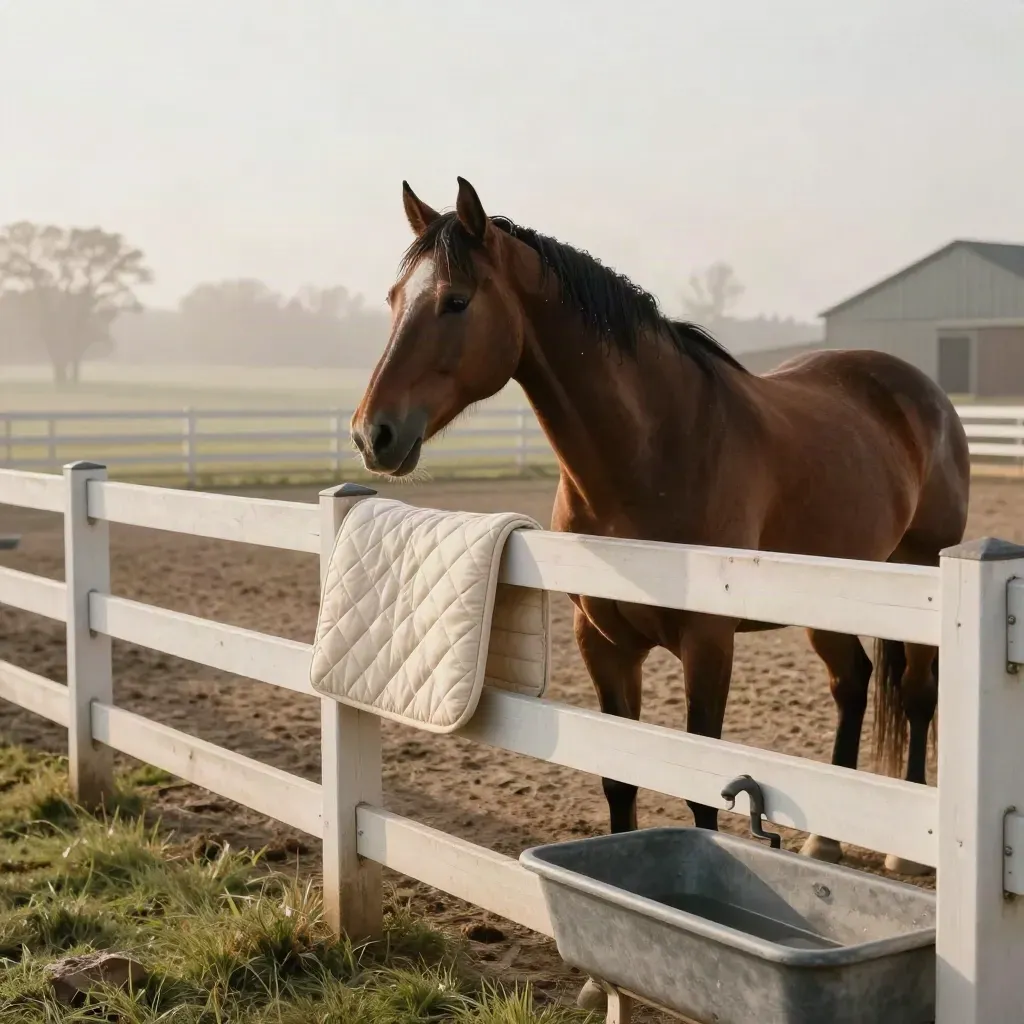
From $300
We match horses with homes that fit their needs and your ride goals.
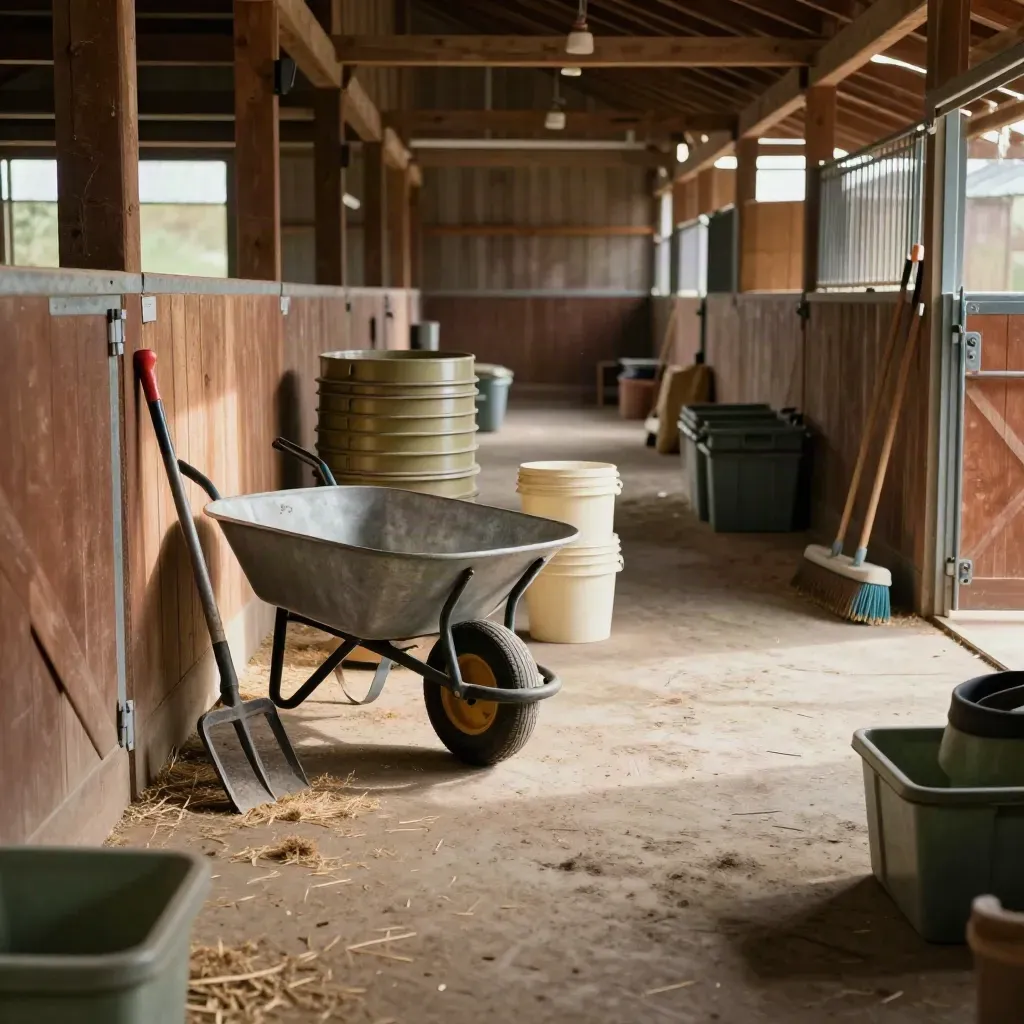
From $75
Clear barn tasks, shift plans, and group days for helpers and teams.
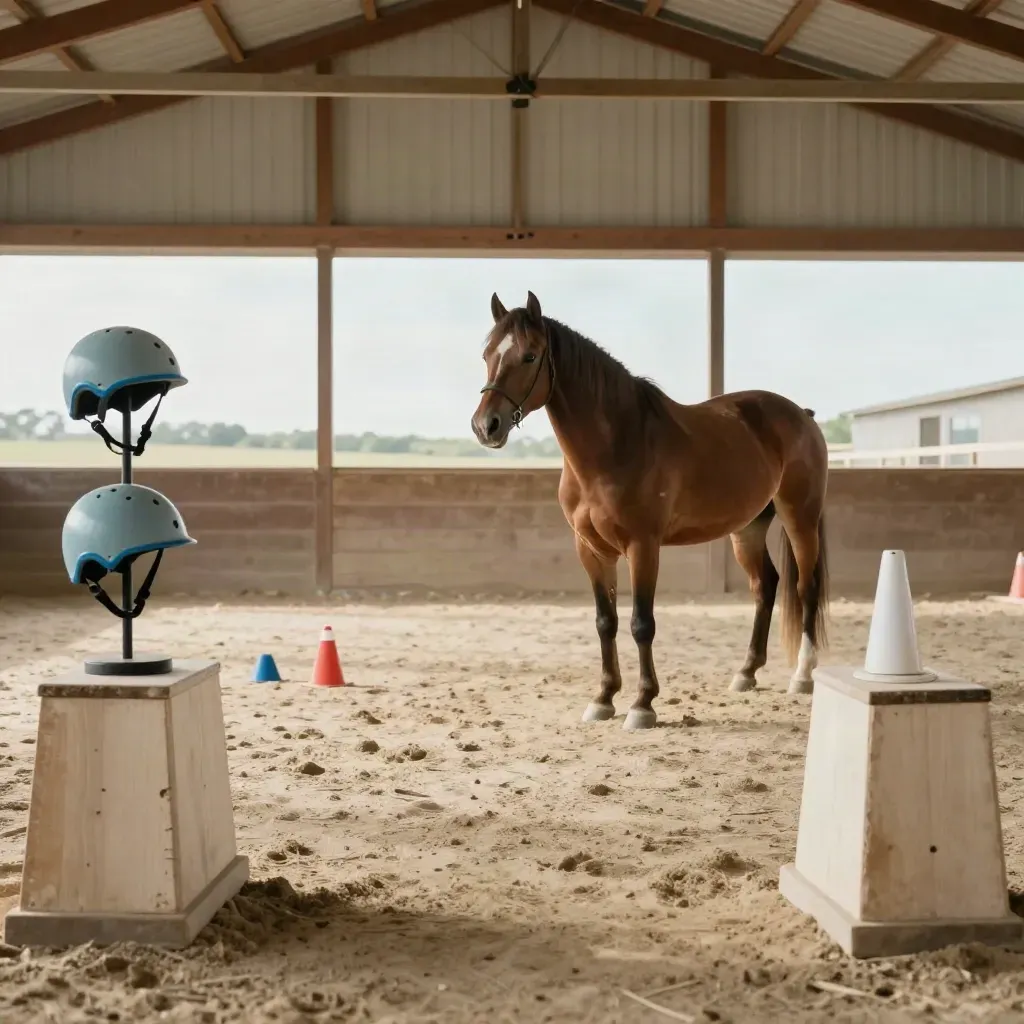
From $150
Small group programs for kids, parents, and veterans who need steady support.
OUR SERVICES
Tell us your goals, the rider's needs, and the horse work you want.




CLIENT RESULTS
Intake and rider screen Two 45-minute sessions Horse fit review Basic progress notes Parent phone check-in
From $149/mo
From $349/mo
Custom
WHAT CLIENTS SAY
A six-week plan helped one vet ride with steadier posture and less stress.
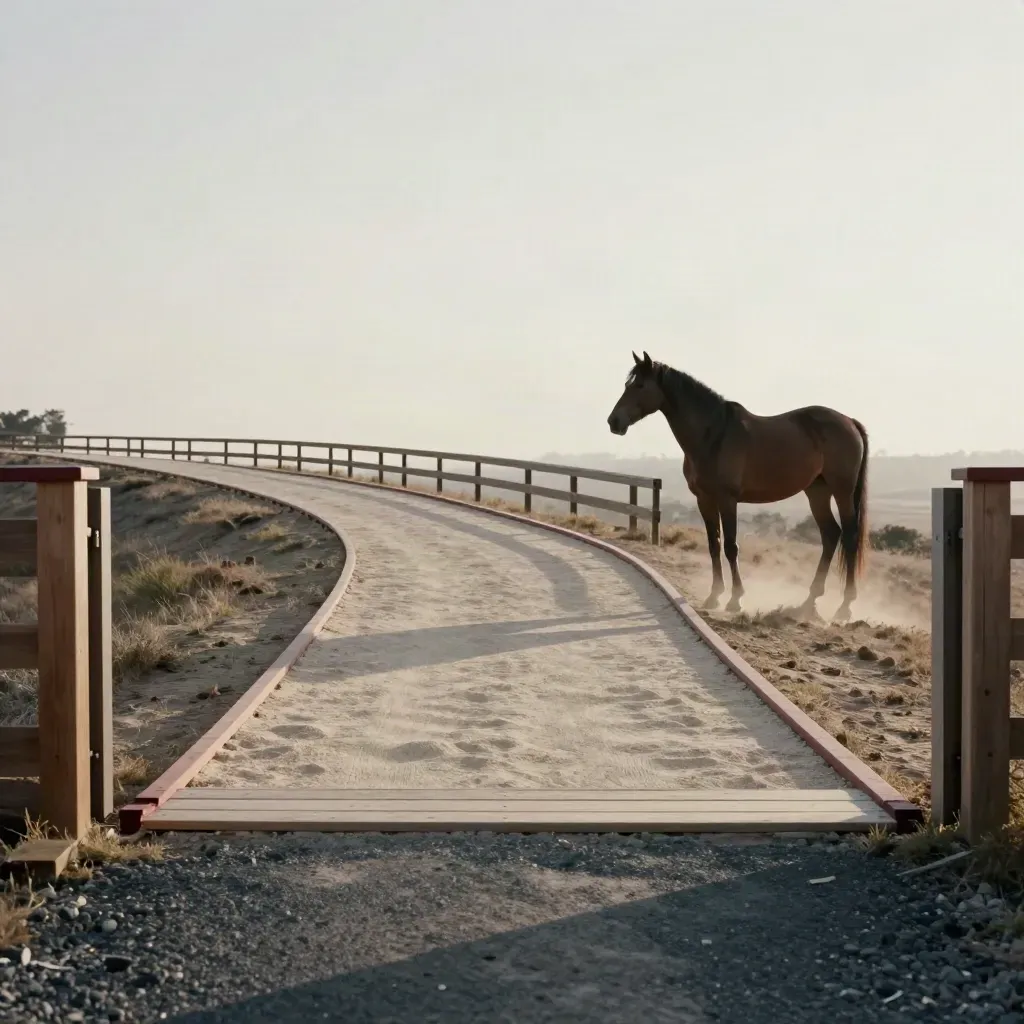
Veterans
A six-week plan helped one vet ride with steadier posture and less stress.
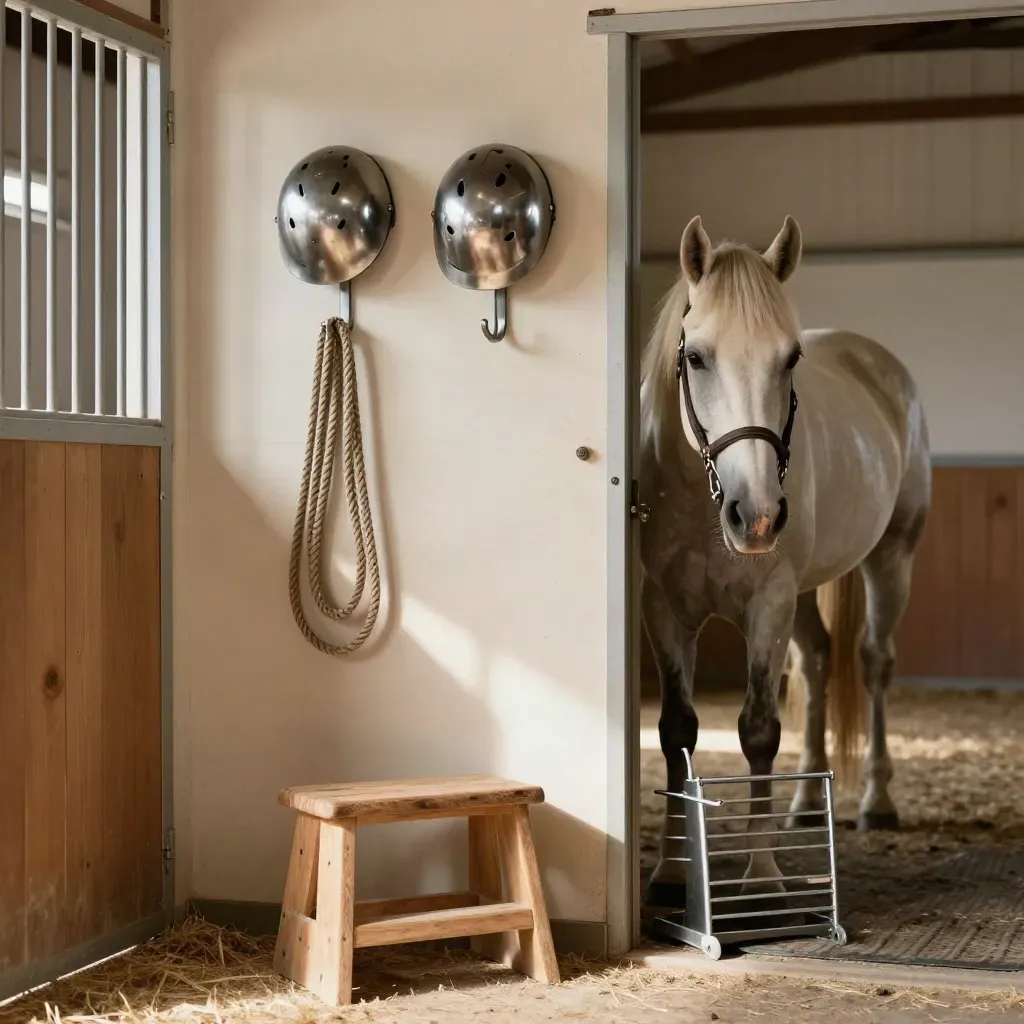
Families

Youth
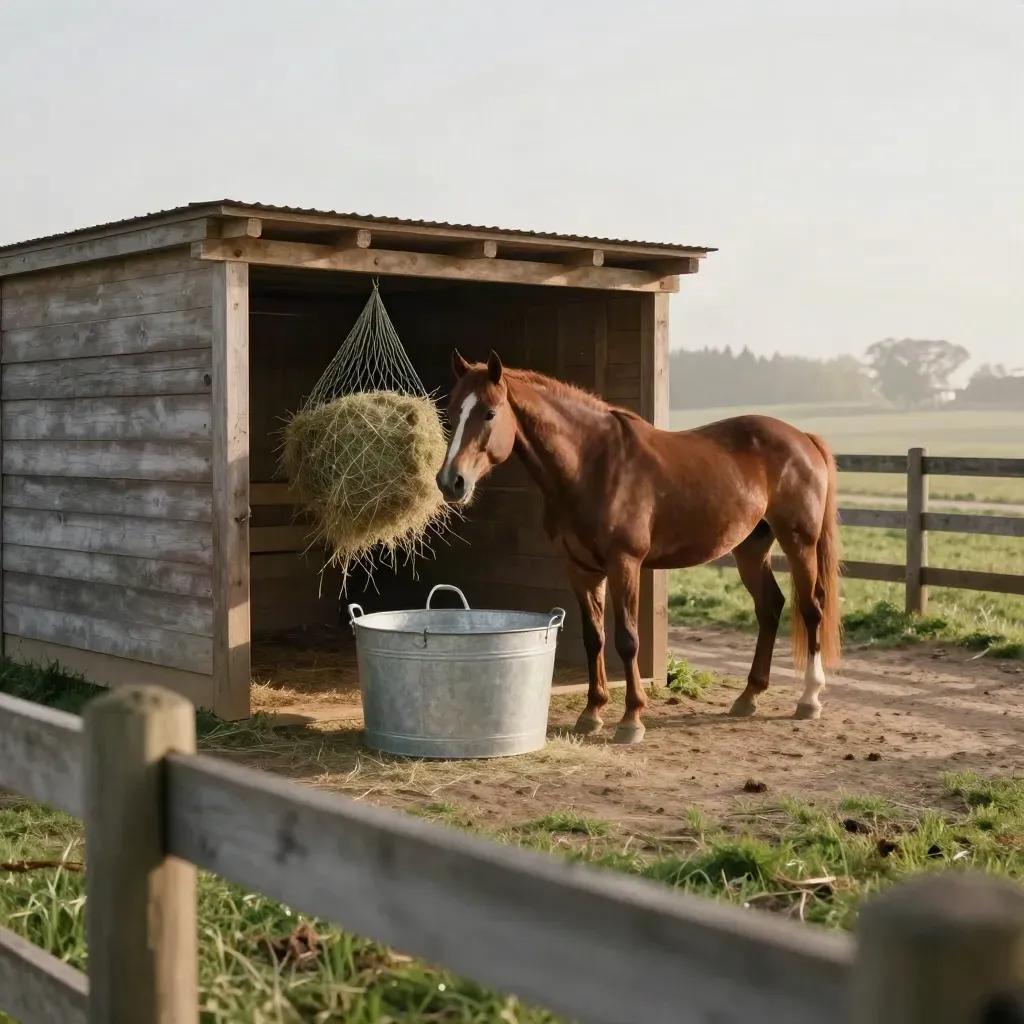
Rescue
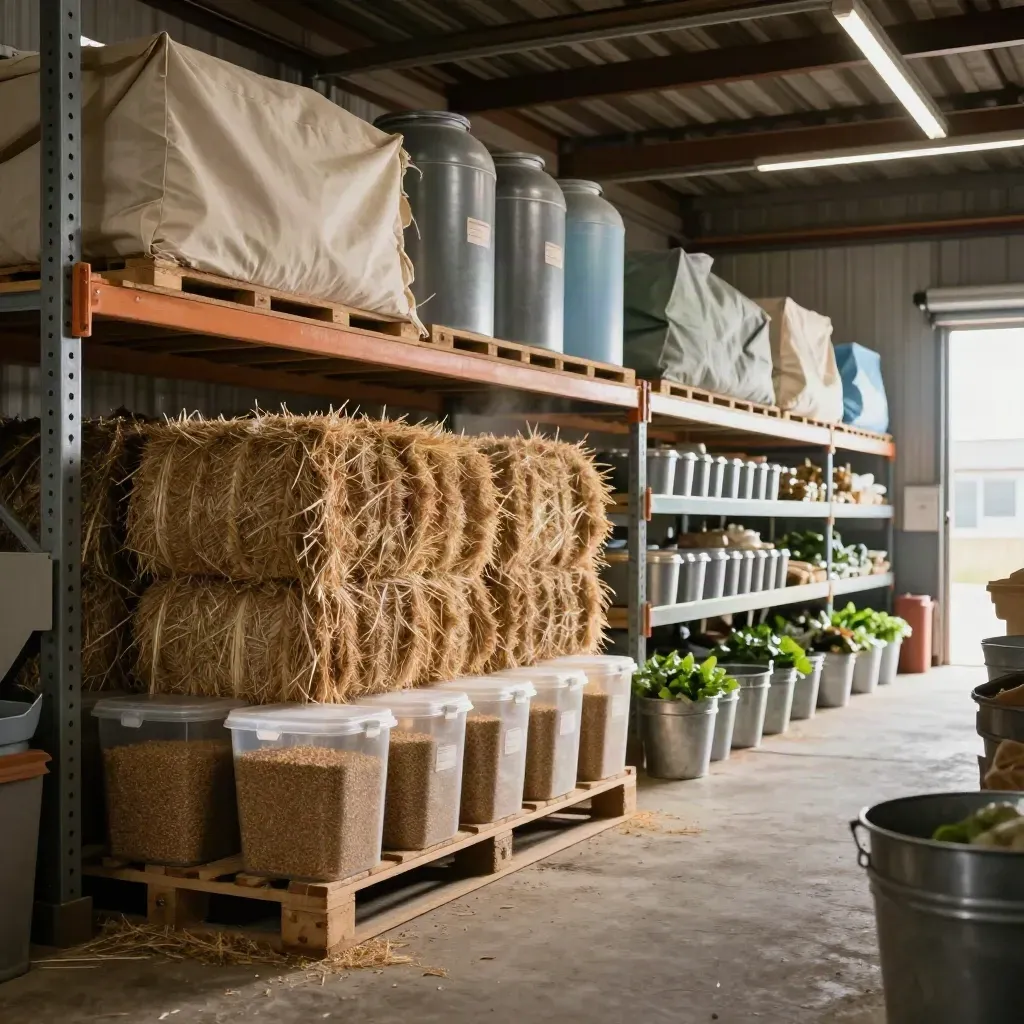
Donors
Equine-assisted care
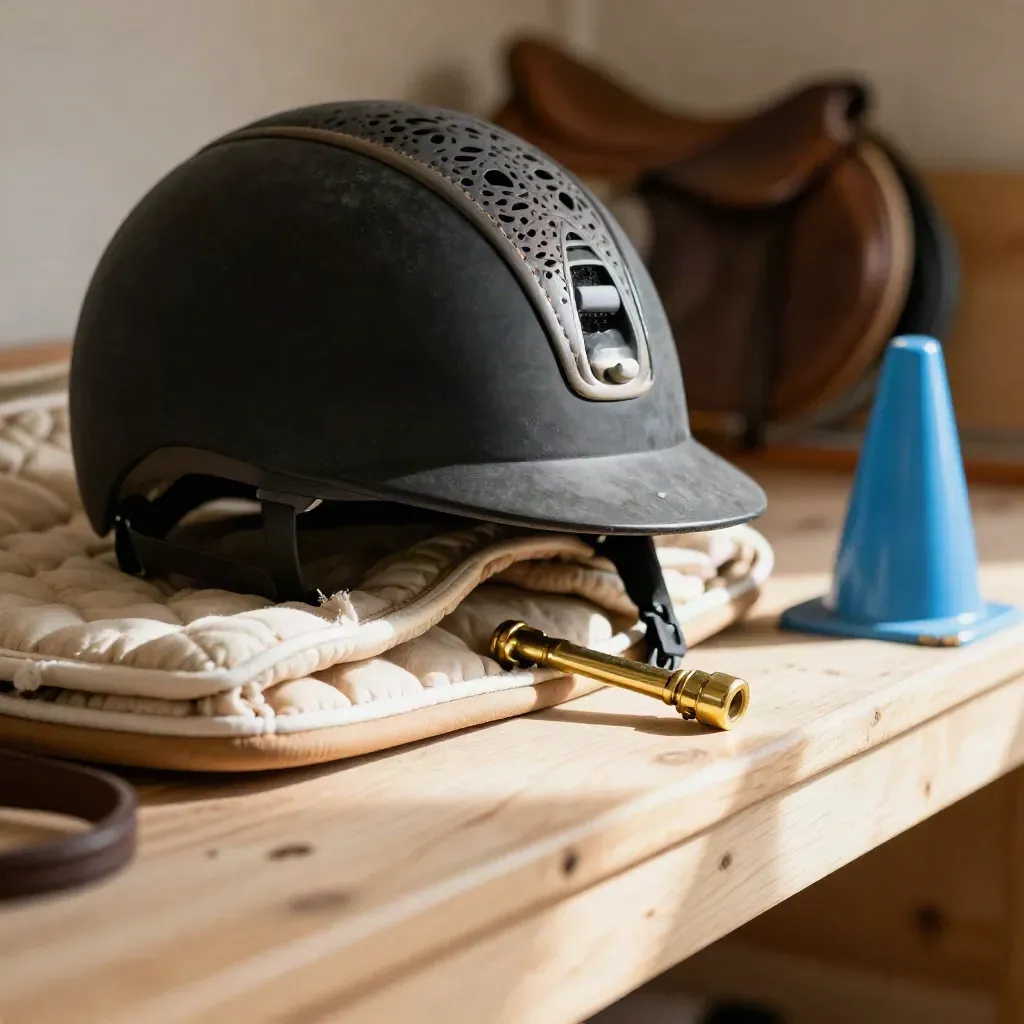
Kids, teens, and riders

Horse intake and adoption

Barn shifts and giving
Proof
“My son went from tense to smiling after two visits.”
Erin Whitaker
Parent, Lexington family
“The riding coach made my daughter feel safe and proud.”
Miles Jordan
U.S. Army veteran, Louisville
“Our team saw steady change in just a few weeks.”
Priya Desai
Special ed teacher, Richmond
Service area
Lexington, Georgetown, Nicholasville, Richmond
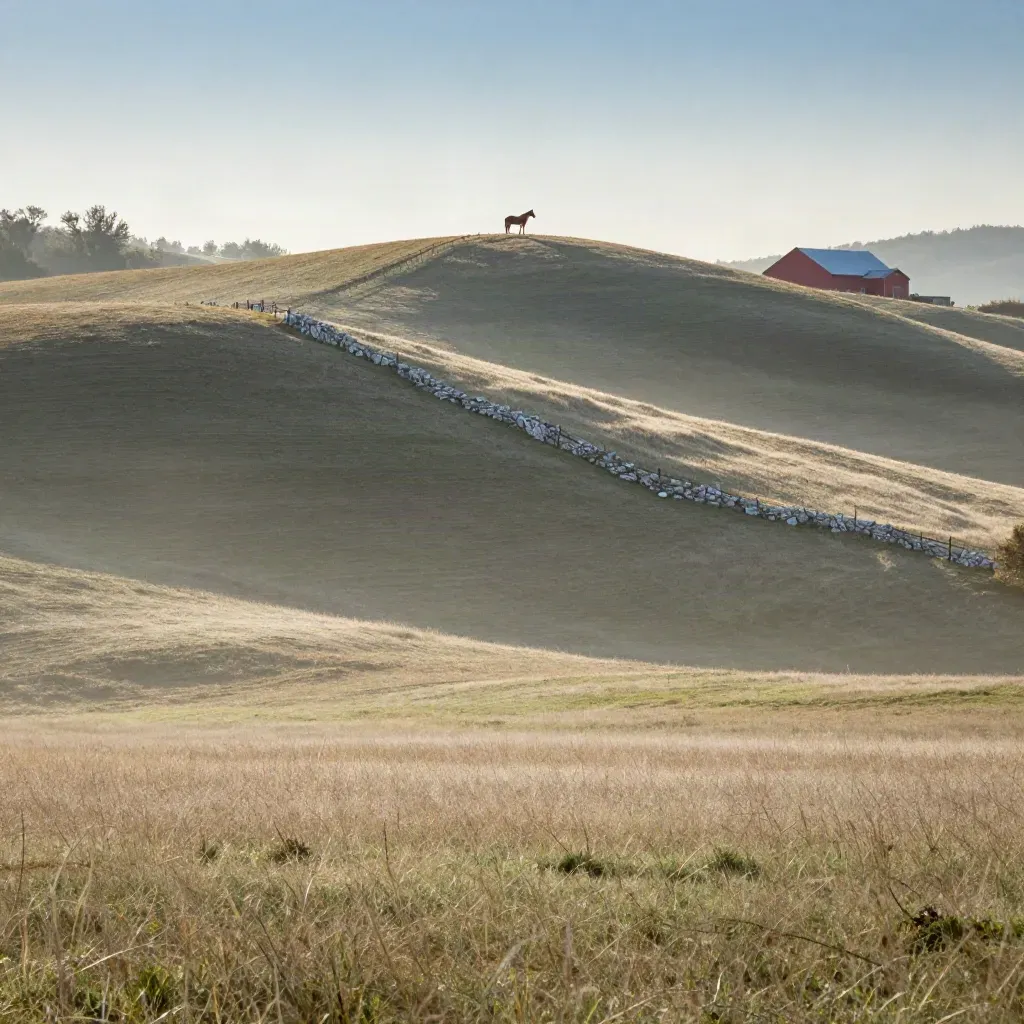
Area 01
Lexington, Georgetown, Nicholasville, Richmond
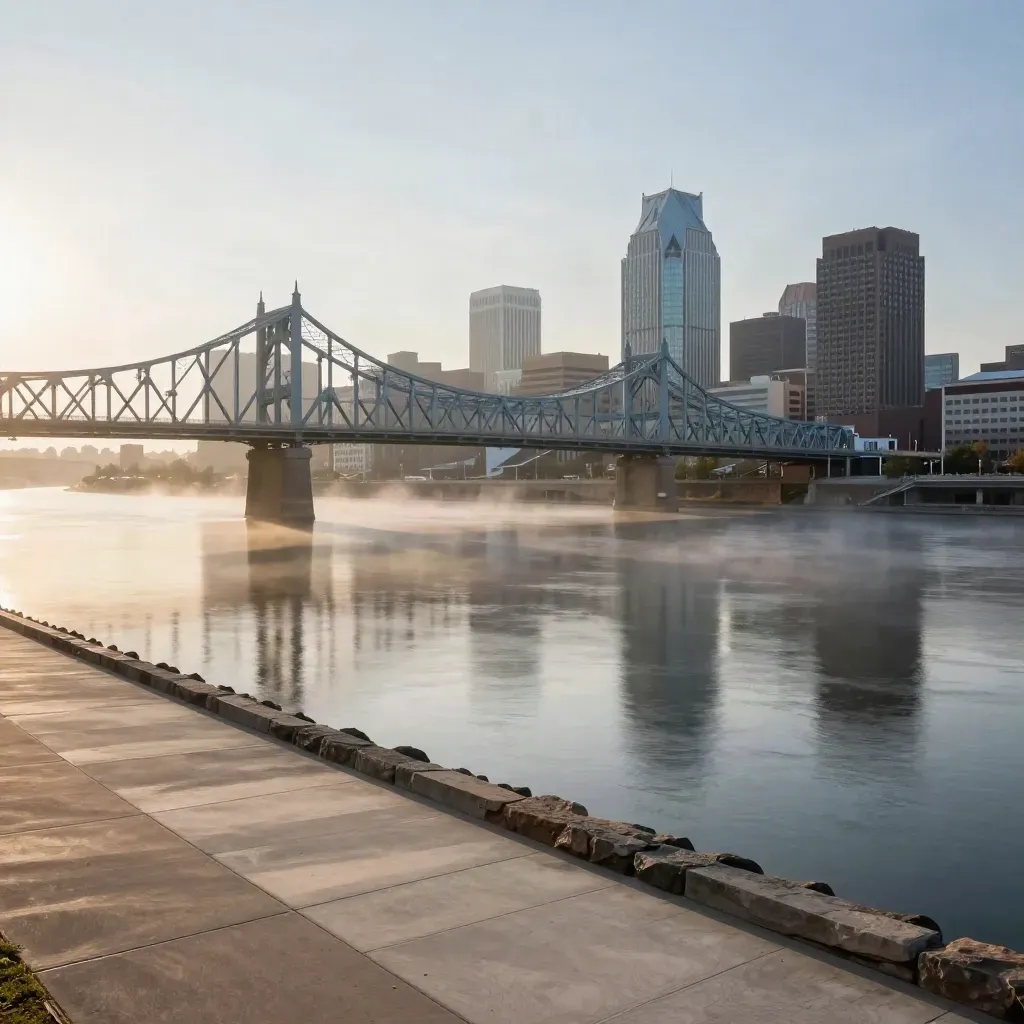
Area 02
Louisville, Shelbyville, La Grange, Bardstown

Area 03
Covington, Florence, Newport, Independence
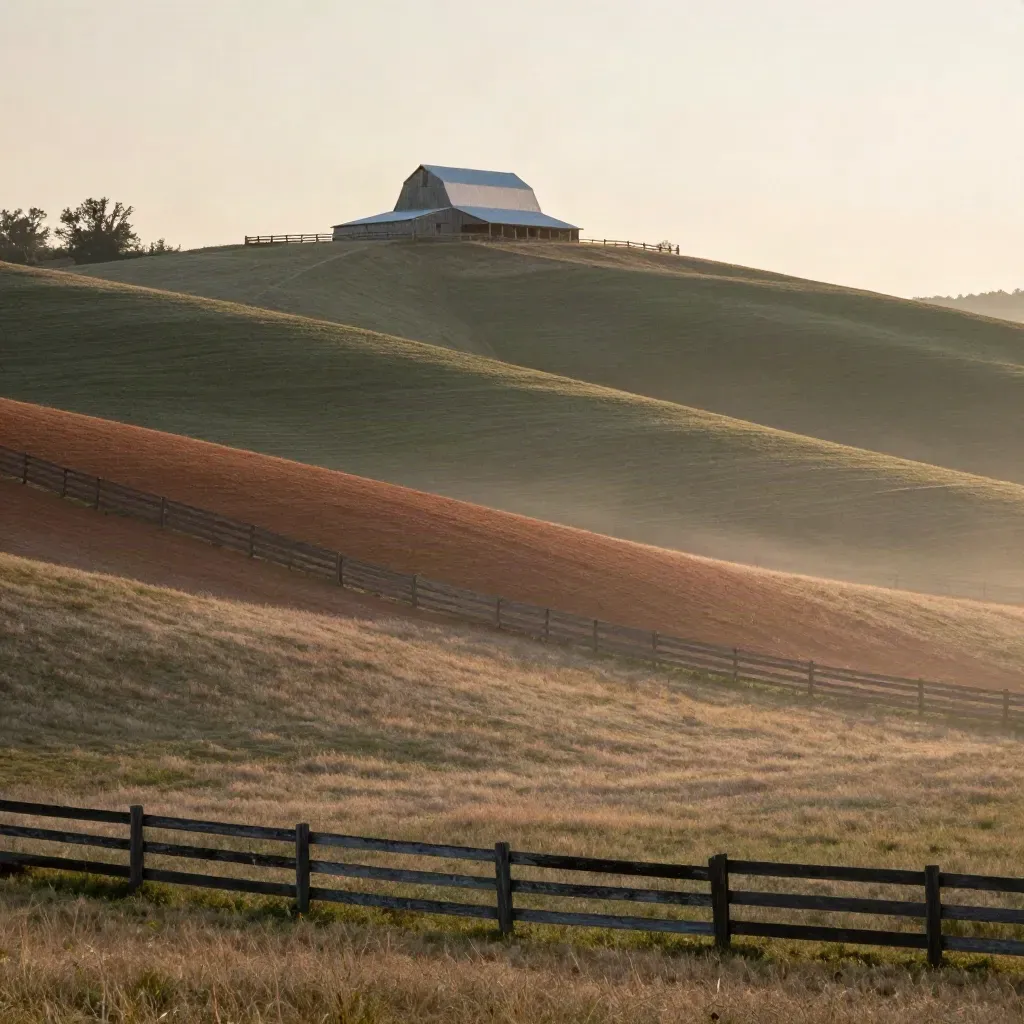
Area 04
Nashville, Franklin, Murfreesboro, Hendersonville
Journal




Questions
Quick answers before visitors choose a product, service, or next step.
We work with children, teens, adults, veterans, and people with disabilities. We match each plan to the rider's needs.
No. We start with safety basics, calm ground work, and a horse that fits your comfort level before any riding starts.
Some are, after training and a safety check. Others stay in rehab or move on to adoption when they are ready.
Yes. Family programs can include parents, siblings, and caregivers for shared riding and barn time.
Donations help pay for feed, vet care, shelter, and daily work that keeps rescue horses healthy all year.
Yes. We help with intake and program planning for families and partners across the U.S. by phone and email.
Get short updates on therapy openings, rescue horses, volunteer days, and care tips.